
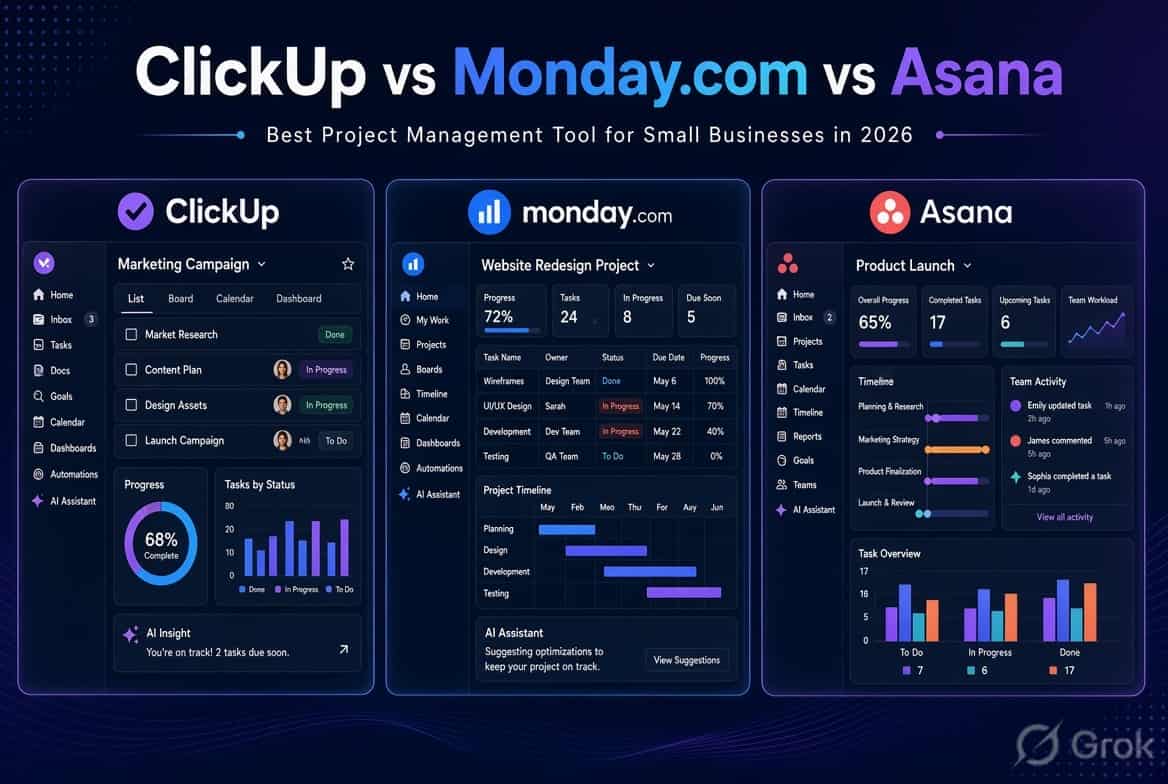
Running a small business means constantly managing tasks, deadlines, clients, meetings, and team communication. Without a proper system, important work gets delayed or forgotten.
That’s why many small businesses in 2026 use project management software. Three of the most popular options are ClickUp, Monday.com, and Asana. All three are powerful, offer free plans, and now come with useful AI features. But they are built for slightly different needs.
In this detailed comparison, we’ll look at pricing, ease of use, AI capabilities, task management, automation, and real-world suitability for small teams. By the end, you’ll know which tool is the best fit for your business.
Quick Comparison: ClickUp vs Monday.com vs Asana
| Feature | ClickUp | Monday.com | Asana |
|---|---|---|---|
| Best For | Customizable workflows and broad features | Visual project management | Structured task and project management |
| Starting Paid Price | $7/user/month | $9/seat/month | $10.99/user/month |
| Free Plan | Yes | Yes, up to 2 seats | Yes |
| AI Features | ClickUp Brain and AI tools | Monday AI | Asana AI |
| Ease of Use | Moderate | Easy to Moderate | Easy |
| Task Management | Strong | Strong | Strong |
| Automation | Yes | Yes | Yes |
| Dashboards | Yes | Yes | Yes |
| Mobile App | Yes | Yes | Yes |
Prices are advertised starting prices and may vary by plan, billing cycle, region, and current pricing changes. Check the official pricing pages before purchasing.
What Is ClickUp?
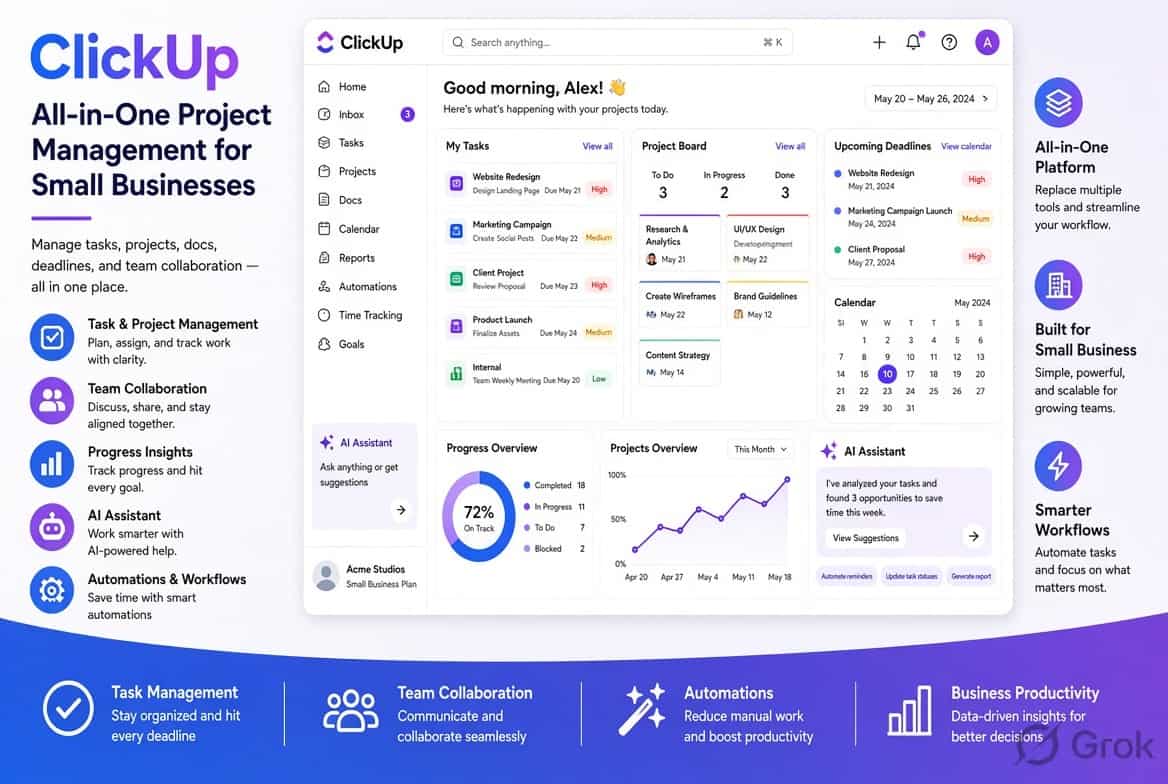
ClickUp is an all-in-one work management platform. It combines tasks, docs, goals, dashboards, time tracking, whiteboards, and AI in a single workspace.
Its biggest strength is flexibility. You can customize almost everything — statuses, views, fields, workflows, and automations. ClickUp Brain (its AI assistant) can help with writing, summarizing tasks, generating action items, and answering questions about your workspace.
Best for
Small businesses that want one tool to handle almost everything and don’t mind spending some time setting it up.
What Is Monday.com?
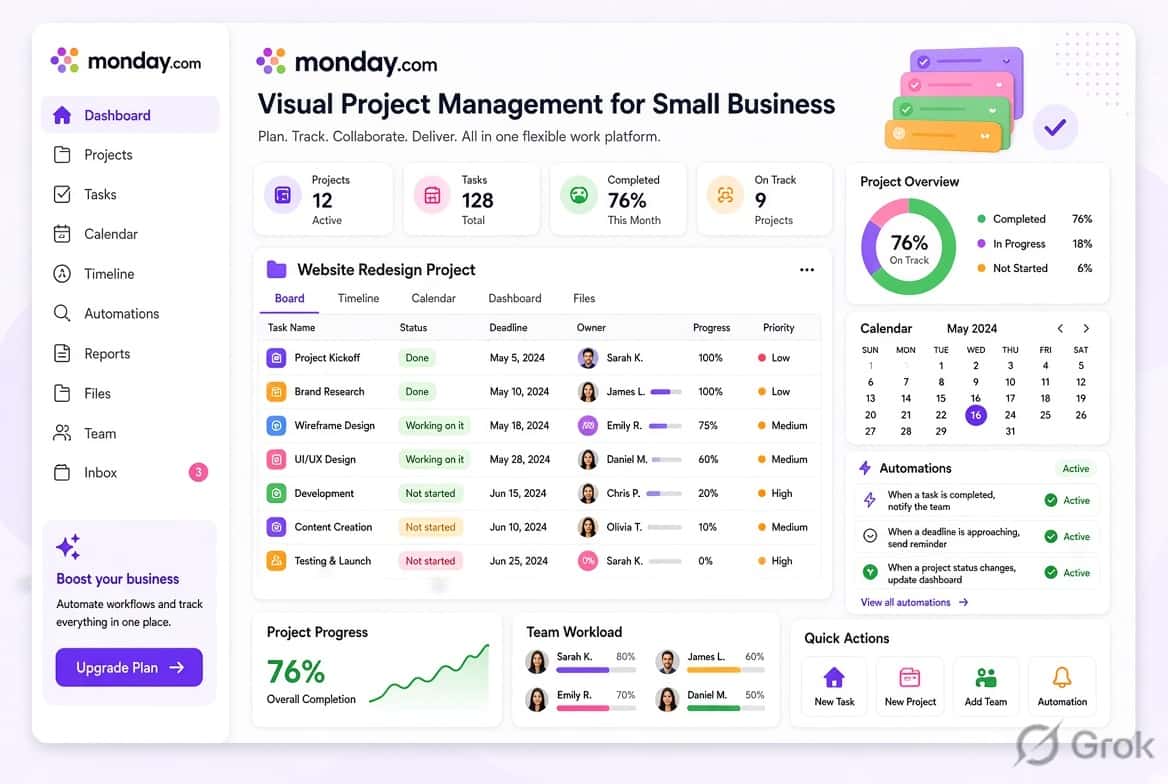
Monday.com is a highly visual work management platform built around boards. Instead of traditional task lists, you organize work using colorful boards, columns, and statuses.
It is excellent for tracking projects, marketing campaigns, sales pipelines, content calendars, and client work. Monday AI helps with writing updates, generating insights, and improving workflows.
Best for
Teams that prefer visual organization and want a tool that looks modern and is relatively easy to learn.
What Is Asana?
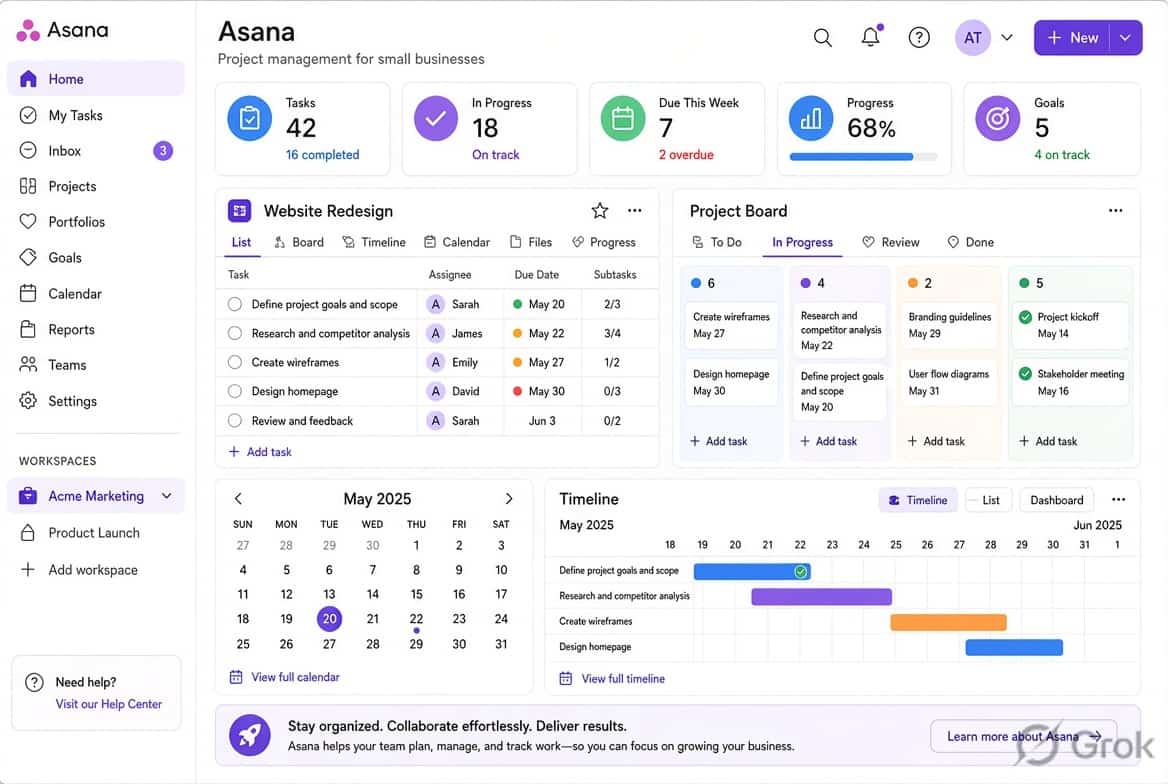
Asana is a clean and structured project management tool focused on tasks, projects, deadlines, and team collaboration. It offers List, Board, Calendar, and Timeline views.
Asana keeps things simple and organized. Its AI features help with task suggestions, project summaries, and workflow assistance.
Best for: Small teams that want a clear, no-fuss system for managing projects and responsibilities without too many extra features.
Detailed Comparison
Pricing Comparison
ClickUp
Free plan available
Unlimited plan starts at $7 per user/month (billed annually)
Monday.com
Free plan (limited to 2 users)
Basic plan starts at $9 per seat/month (billed annually)
Asana
Free plan available
Starter plan starts at around $10.99 per user/month (billed annually)
Winner for budget: ClickUp usually offers better value if you need more features at a lower starting price. However, total cost depends on how many people you add and which features you need.
Ease of Use
Asana is the easiest for beginners. The interface is clean and straightforward.
Monday.com is also user-friendly, especially if your team likes visual boards.
ClickUp is the most powerful but has a steeper learning curve because of the number of features.
If your team is new to project management tools, Asana or Monday.com will feel more comfortable at the beginning.
AI Features in 2026
All three platforms have improved their AI capabilities.
ClickUp Brain is currently the most advanced. It can summarize tasks, help write content, answer questions about your workspace, and assist with planning.
Monday AI is useful for generating updates, insights, and helping with workflows.
Asana AI focuses on helping teams stay organized with smart suggestions and summaries.
Winner for AI: ClickUp currently has the strongest AI feature set for most small businesses.
Task Management & Views
All three platforms provide strong task management.but businesses looking for more AI-focused options can also explore our guide to AI project management software
ClickUp offers the most views (List, Board, Calendar, Timeline, Workload, Mind Maps, etc.).
Monday.com is excellent for Board view and visual tracking.
Asana provides clean List, Board, Calendar, and Timeline views.
If you need maximum flexibility in how you view work, ClickUp is the strongest. If you prefer simple and clear views, Asana works very well.
Automation
All three tools allow you to automate repetitive work (e.g., assigning tasks, changing statuses, sending notifications).
ClickUp and Monday.com offer very flexible automation builders.
Asana also has solid automation features that are easy to set up.
For most small businesses, any of the three will be more than enough.
Which Tool Should You Choose?
Choose ClickUp if:
You want an all-in-one platform
You like high customization
You want the strongest AI features
You’re okay with a short learning period
Choose Monday.com if:
Your team loves visual boards
You manage marketing, content, or client projects
You want a modern and colorful interface
Choose Asana if:
You want simplicity and clarity
Your team is new to project management tools
You prefer a clean and structured system
Task Management
All three platforms provide strong task management.but businesses looking for more AI-focused options can also explore our guide to AI project management software.
ClickUp offers extensive customization for tasks, statuses, views, fields, and workflows.
Monday.com organizes work through visual boards and customizable columns.
Asana focuses on tasks, subtasks, deadlines, dependencies, and responsibilities.
The best fit depends largely on how your team prefers to organize work.
Collaboration
ClickUp combines tasks with Docs, comments, Chat, and other workspace features.
Monday.com brings boards, updates, documents, and workflow information together.
Asana keeps collaboration closely connected to projects and tasks, making it easier to see conversations alongside the work they relate to.
Automation
Automation can reduce repetitive administrative work.
ClickUp supports automated workflows for tasks and projects.
Monday.com provides automation features for actions such as changing statuses, assigning work, and triggering notifications.
Asana also supports workflow automation, allowing teams to automate repetitive project actions.
For all three platforms, automation availability and limits depend on the plan.
ClickUp, Monday.com, and Asana all support workflow automation. If you want to explore automation in more detail, check out our guide to AI workflow automation for small businesses.
Pros and Cons
ClickUp Pros
– Highly customizable
– Wide range of project management features
– Strong task management
– Extensive AI capabilities
– Good automation options
– Competitive advertised starting price
ClickUp Cons
– Can feel overwhelming for new users
– More setup may be required for complex workflows
– AI features and limits vary by plan
Monday.com Pros
– Visual and flexible interface
– Easy-to-understand boards
– Strong workflow customization
– Useful automation features
– Growing range of AI tools
– Good dashboard options
Monday.com Cons
– Free plan is limited to two seats
– Costs can increase as the team grows
– Some advanced features require higher plans
Asana Pros
– Clean and focused interface
– Strong task and project management
– Good workflow organization
– Useful reporting features
– Free option for very small teams
– Expanding AI capabilities
Asana Cons
– Free plan is designed for very small teams
– Advanced features require paid plans
– Paid pricing depends on plan and team size
Which Tool Is Best for Different Types of Small Businesses?
Instead of choosing one platform for every business, consider the type of workflow your company uses.
For Solopreneurs
ClickUp and Asana both provide ways to organize personal projects and tasks. ClickUp may appeal to users who want more tools in one workspace, while Asana provides a more focused project-management experience.
For Small Teams of 2–10 People
Monday.com and ClickUp provide flexible ways to build team workflows. Asana is also worth considering if your team prefers a more structured approach to tasks and projects.
For Growing Businesses
All three platforms can support growing teams, but the important question is which features you will need as your business expands.
Look at user limits, automation, dashboards, permissions, integrations, reporting, and AI allowances before choosing a long-term platform.
For Budget-Conscious Users
ClickUp has a lower advertised paid starting price than Monday.com’s Basic plan, while all three platforms provide free options with different limitations.
However, the cheapest plan is not necessarily the cheapest overall once you add users or require advanced features.
For Visual Project Management
Monday.com is particularly well suited to teams that like board-based workflows and visual project tracking.
Its board structure makes it easy to organize work by status, owner, deadline, project stage, or other custom fields.
Final Thoughts: Which Should You Choose in 2026?
There is no single project management tool that fits every small business.
Choose ClickUp if you want extensive customization, a broad set of project management features, and a large collection of AI-powered tools.
Choose Monday.com if your team prefers visual boards, customizable workflows, and dashboards.
Choose Asana if you want a clean, structured system centered around projects, tasks, deadlines, and team responsibilities.
The best way to make the decision is to compare the three against your actual workflow. Create the same sample project in each platform, add your team members, test the features you use most, and see which one fits your day-to-day work.
Frequently Asked Questions
Is ClickUp better than Asana for small businesses?
It depends on what your business needs. ClickUp provides extensive customization and a broad range of tools, while Asana focuses more closely on projects, tasks, deadlines, and structured workflows.
Is Monday.com worth the price?
Monday.com can be useful for teams that value visual project management, customizable boards, dashboards, and workflow automation. Whether it is worth the cost depends on the features and number of seats your business requires.
Which tool has the best free plan?
There is no single answer for every business. ClickUp, Monday.com, and Asana all have free options, but their user limits and included features are different. Compare the features you actually need before choosing.
Can I switch between these tools later?
Yes. Switching is possible, but moving projects, tasks, users, automations, and other data can take time. Before moving, check the import and export options available on both platforms.
Which one has better AI features in 2026?
All three platforms now offer significant AI capabilities. ClickUp has Brain and AI agents, Monday.com uses AI features and an AI-credit system, and Asana has expanded its AI offering with features such as AI Teammates and Asana Dash. Availability and usage limits vary by plan.
Conclusion
ClickUp, Monday.com, and Asana are all capable project management platforms, but they are designed around different working styles.
ClickUp is a strong option for businesses that want customization and a wide range of features.
Monday.com is a good fit for teams that prefer visual boards and flexible workflows.
Asana is well suited to businesses looking for a cleaner, structured approach to managing projects and tasks.
Before paying for a plan, try the free version or available trial and build a real project from your business. Testing the tools with your actual workflow is usually more useful than comparing feature lists alone.
Pricing and feature information checked in September 2026. Software plans, pricing, AI allowances, and included features can change, so verify the current details on the official pricing pages before purchasing.